Print options | Artwork files | Specs
Custom-printed skateboard decks
A great deck graphic starts long before it hits the printer. For your artwork to land clean on the deck, format, resolution, bleed and alignment all need to be right in the print file. Here you’ll find the available print options and everything we need to bring your graphic to life.
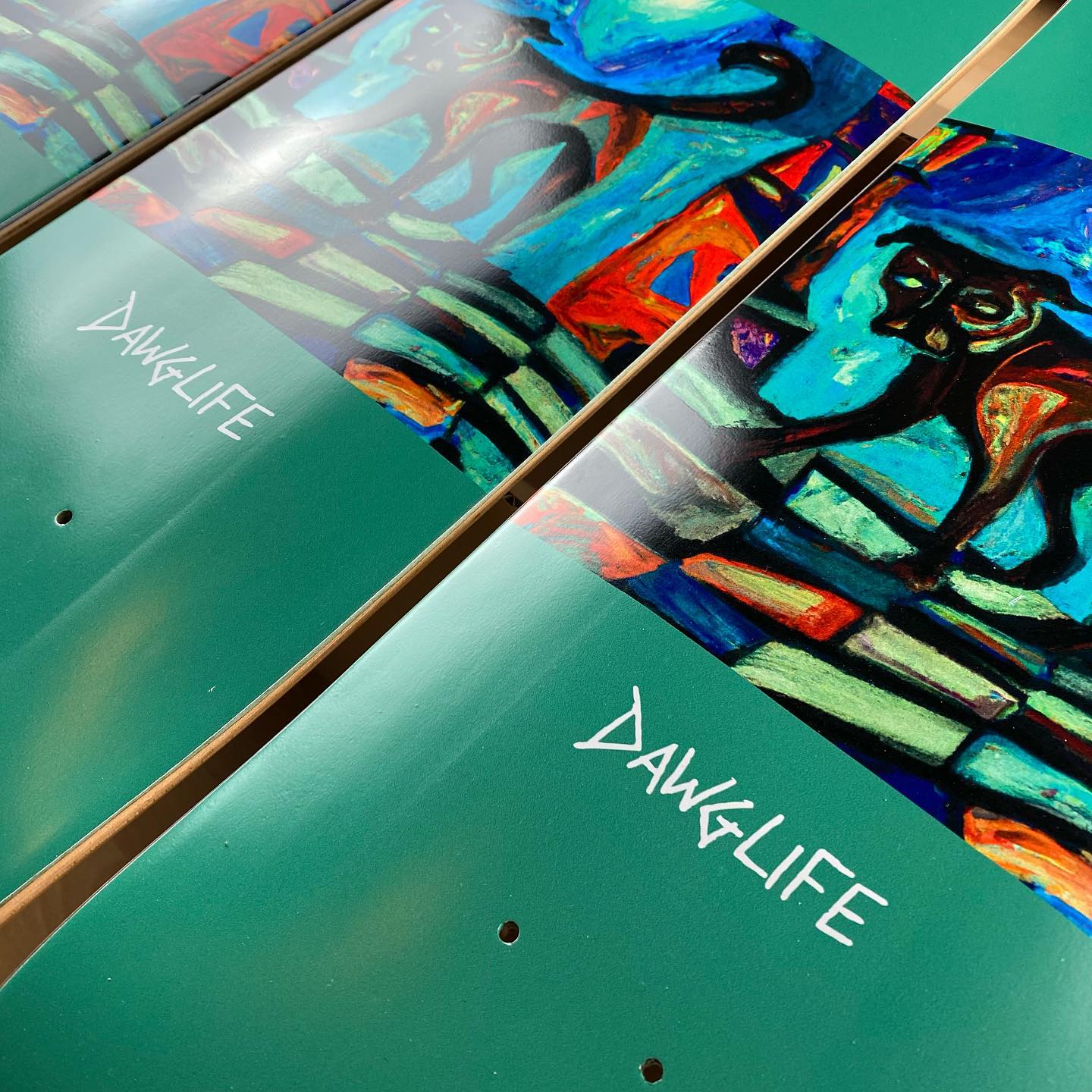
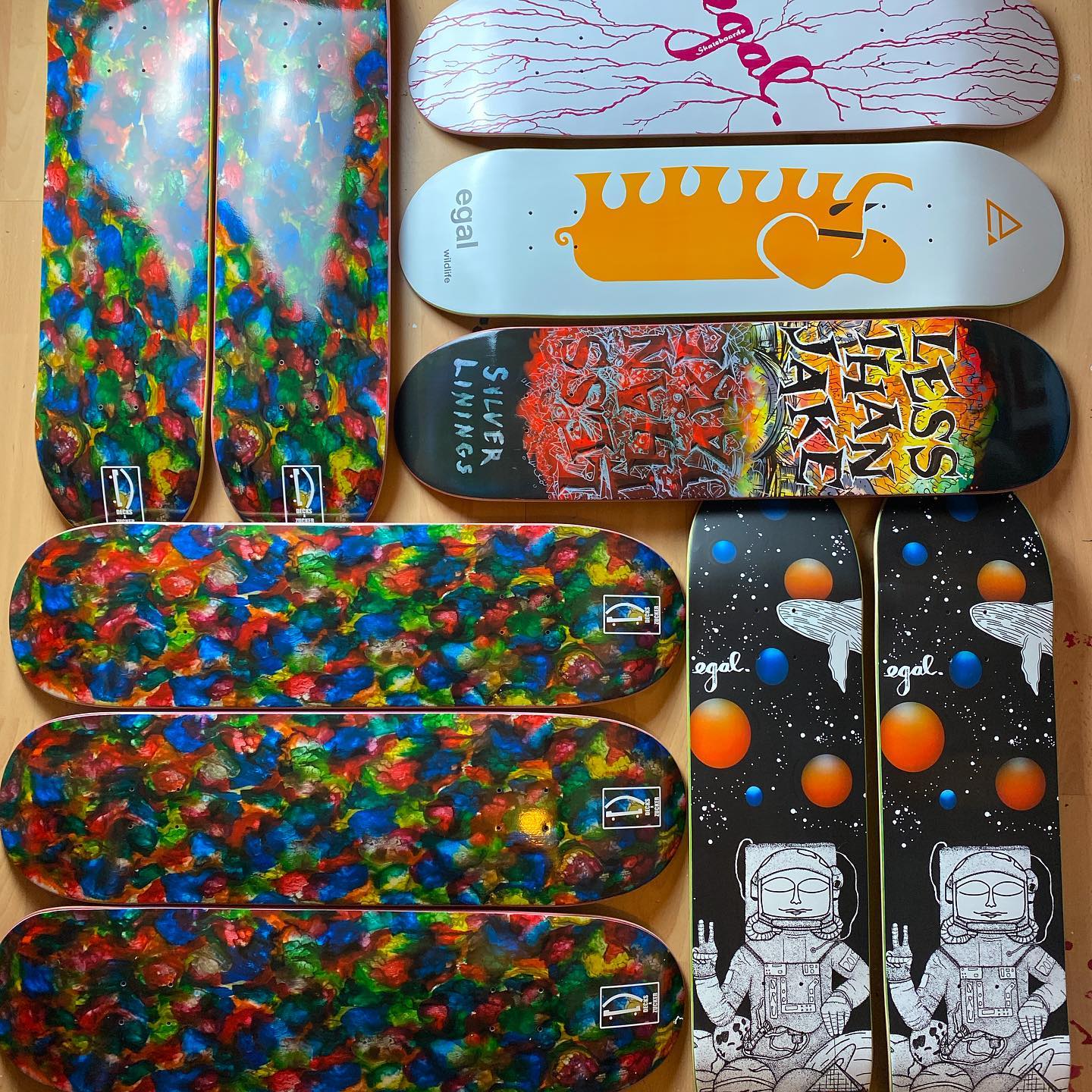
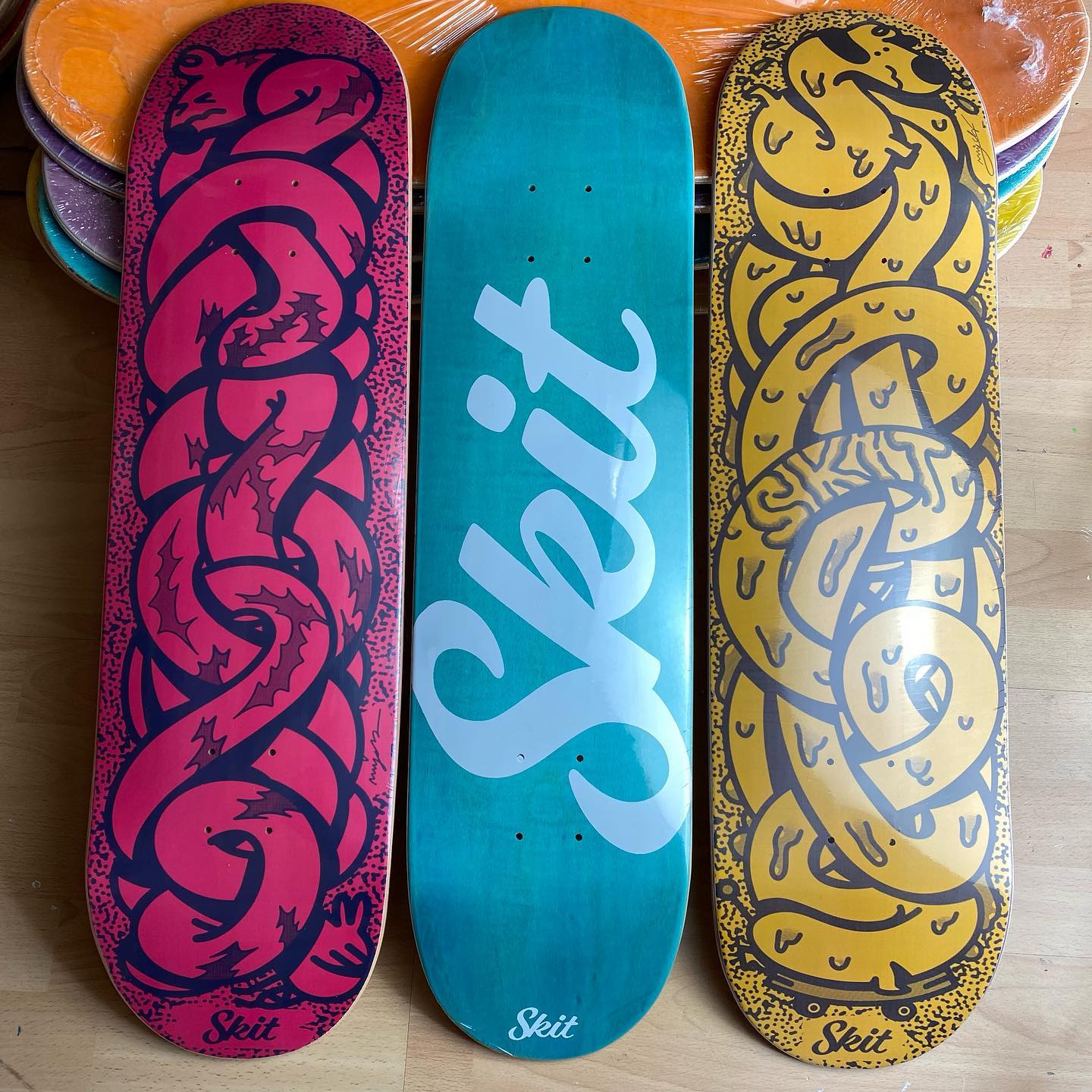
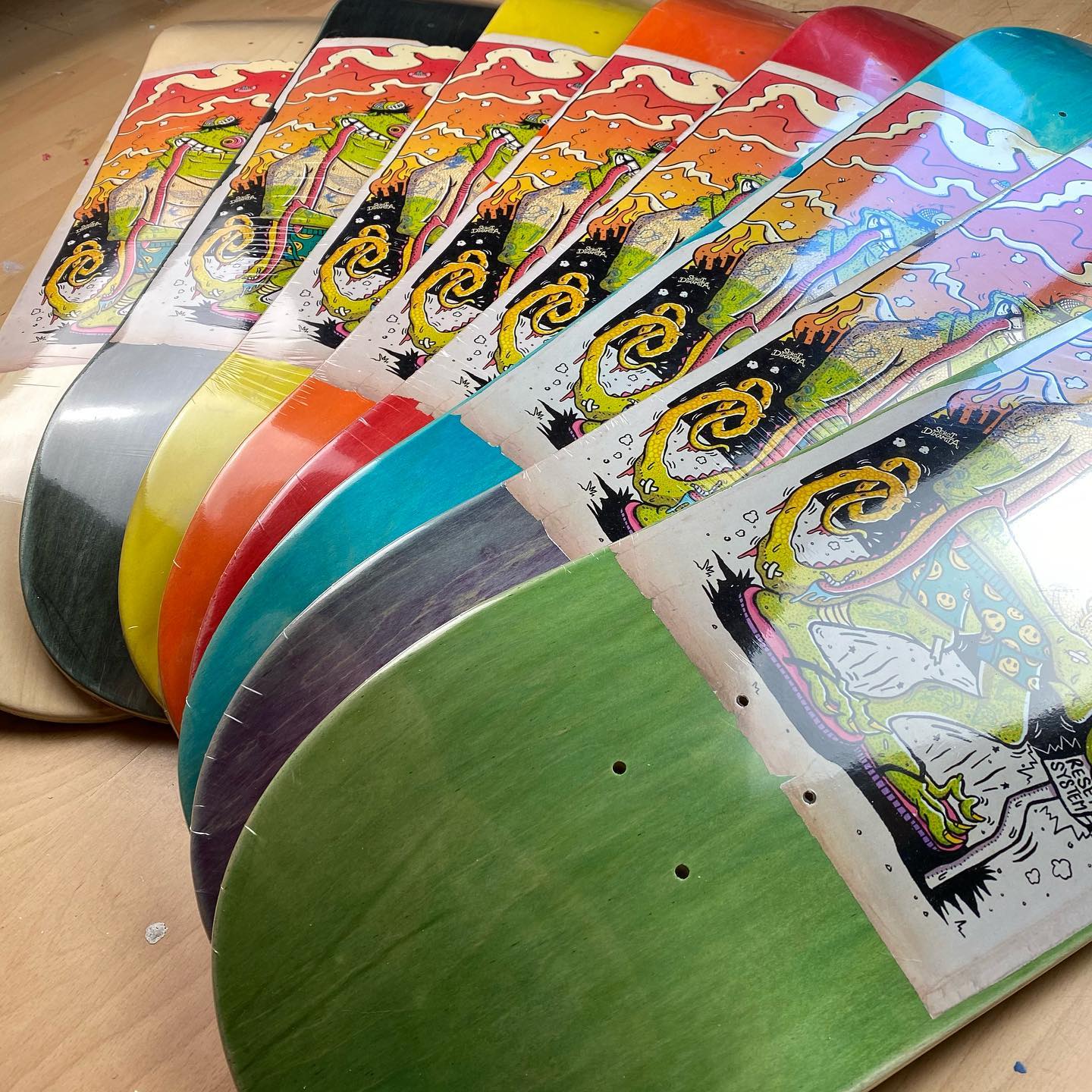
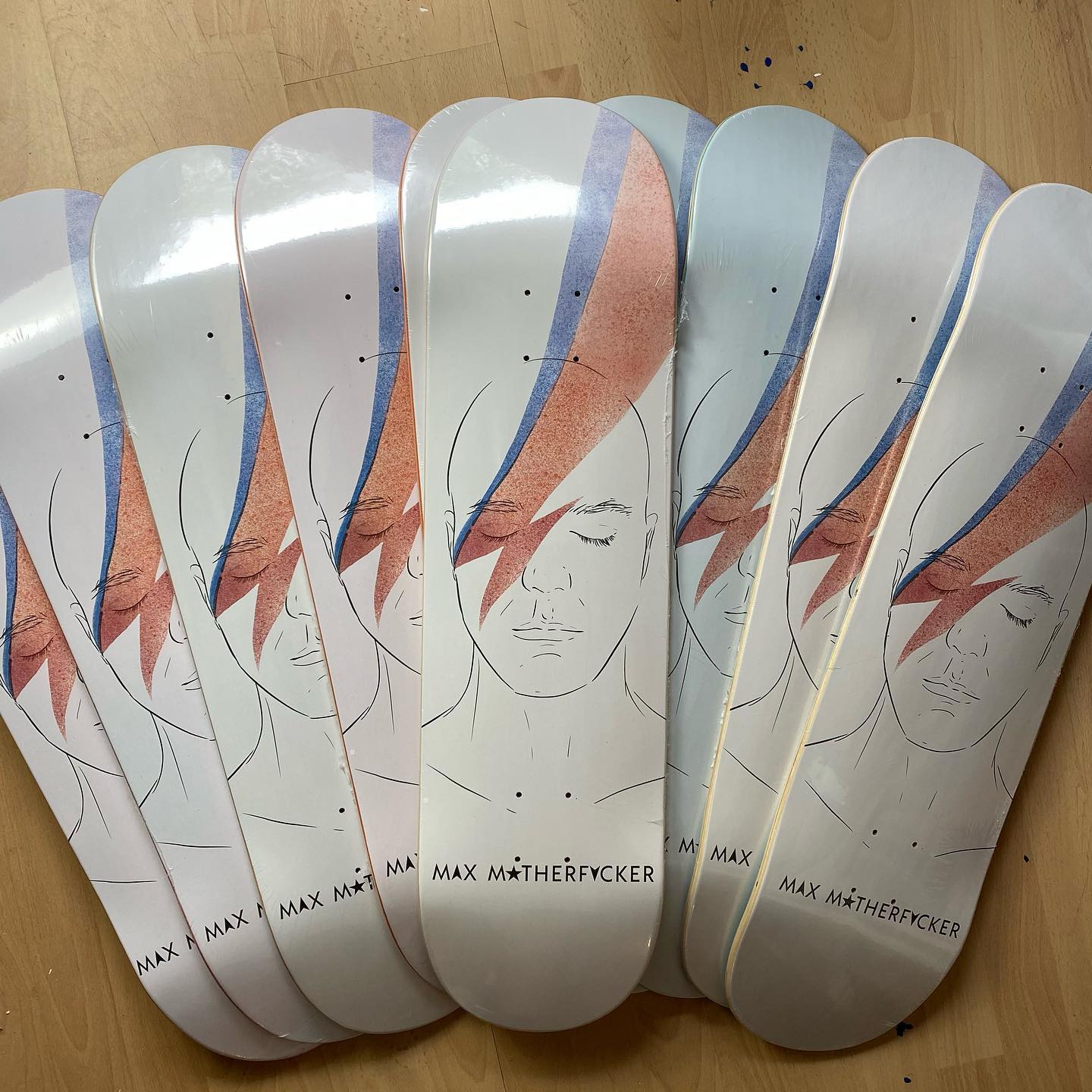
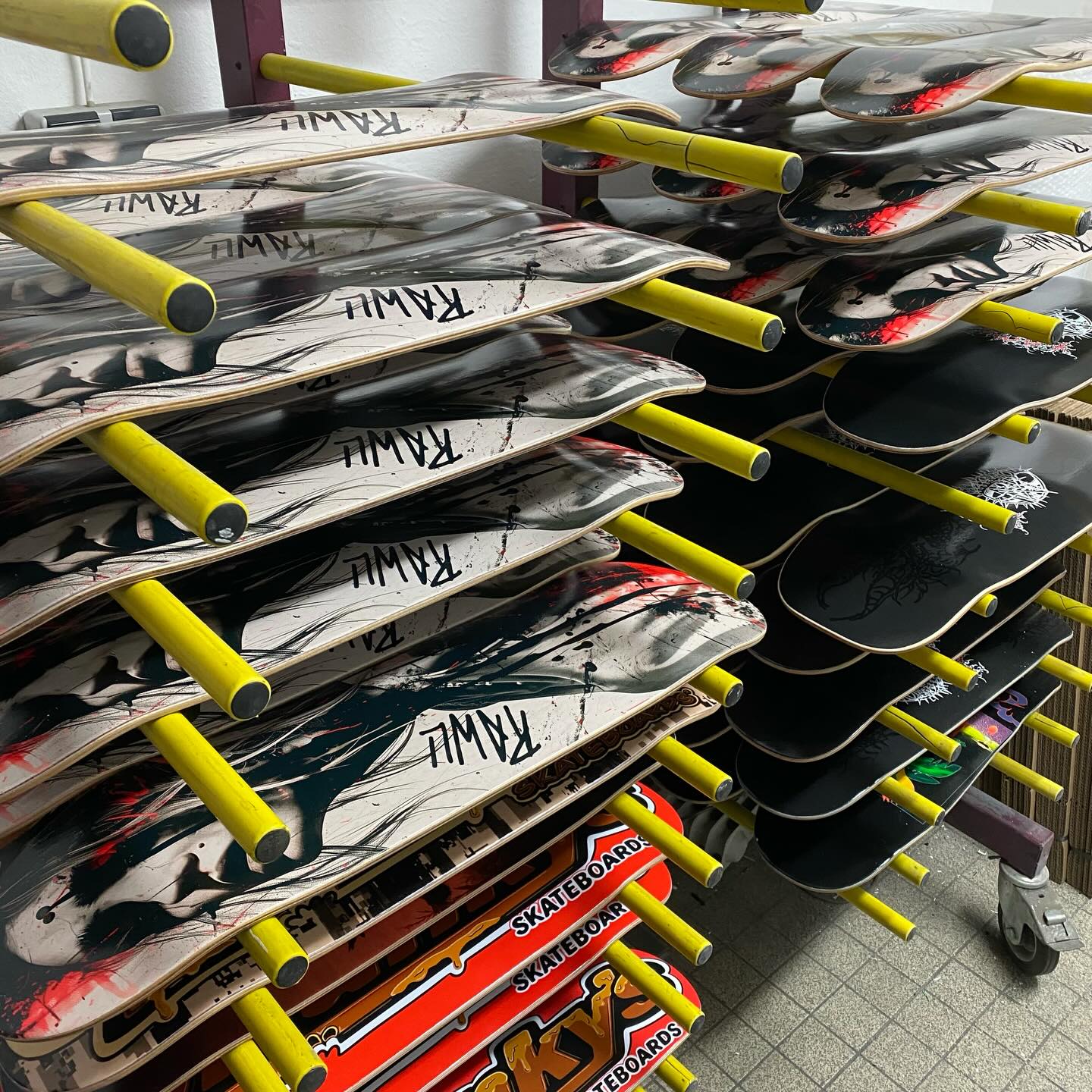
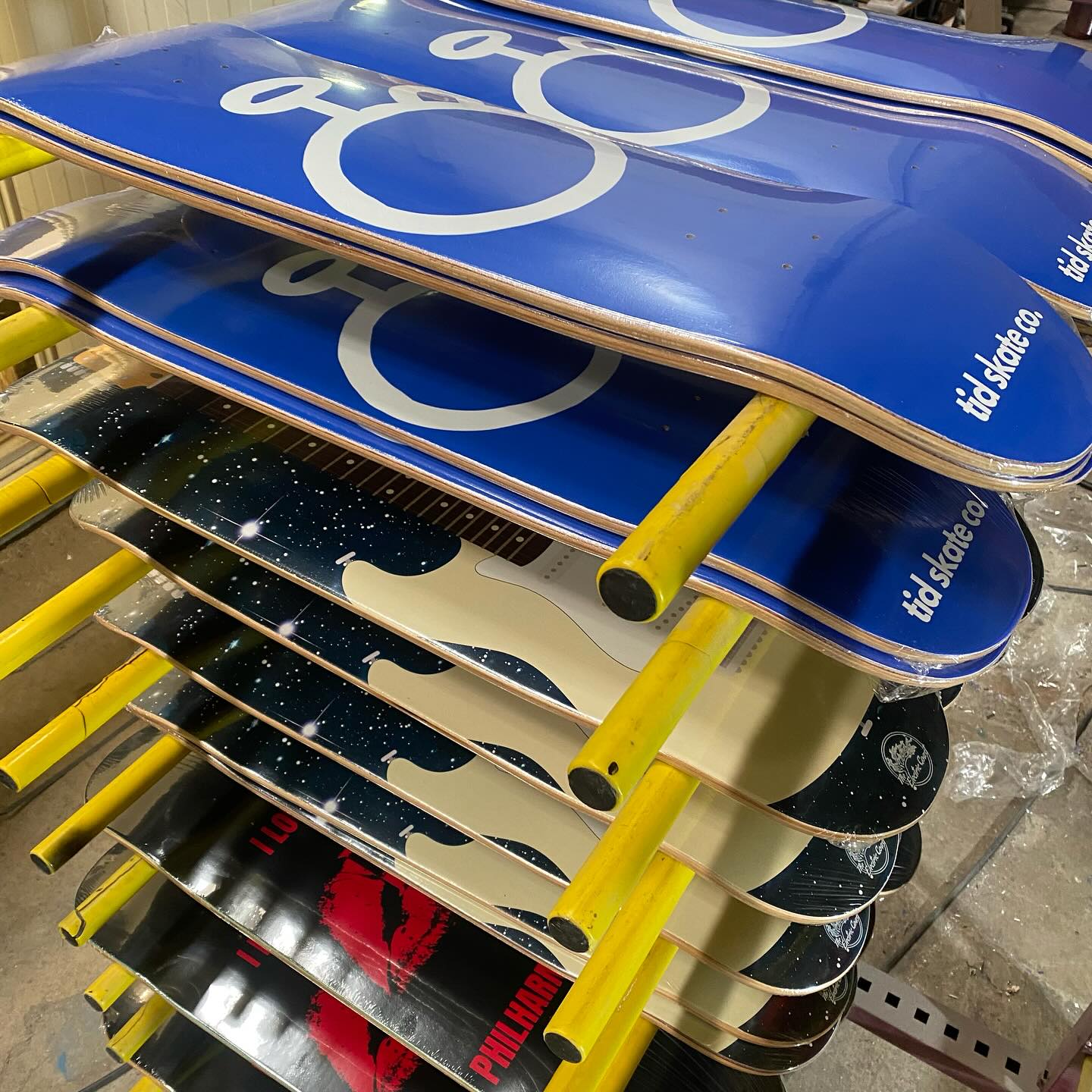
ECO-UV Full Coverage
The graphic is printed opaque across the entire surface, so the wood is completely covered by the artwork.
Ideal for high-res illustrations, graphics and photos.
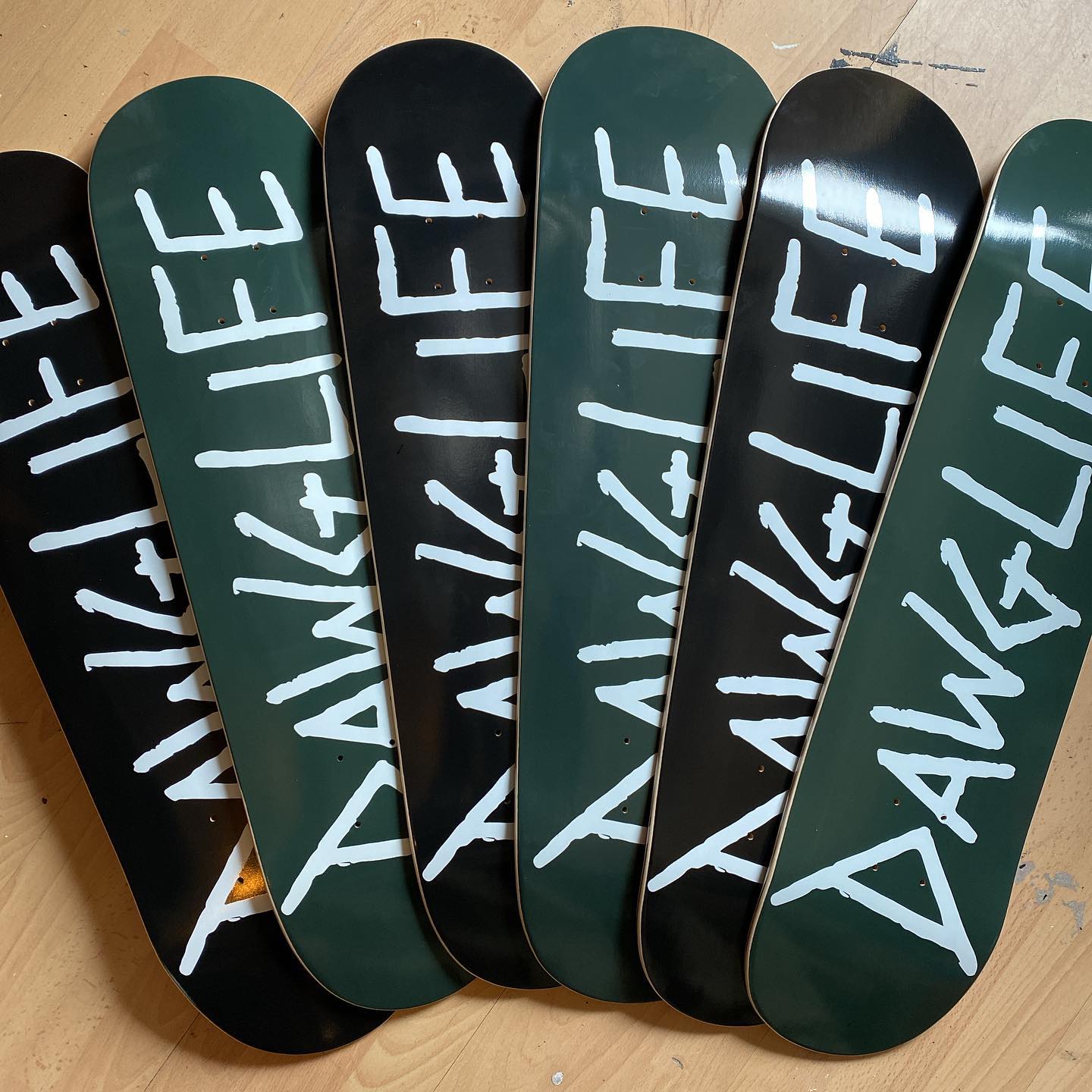
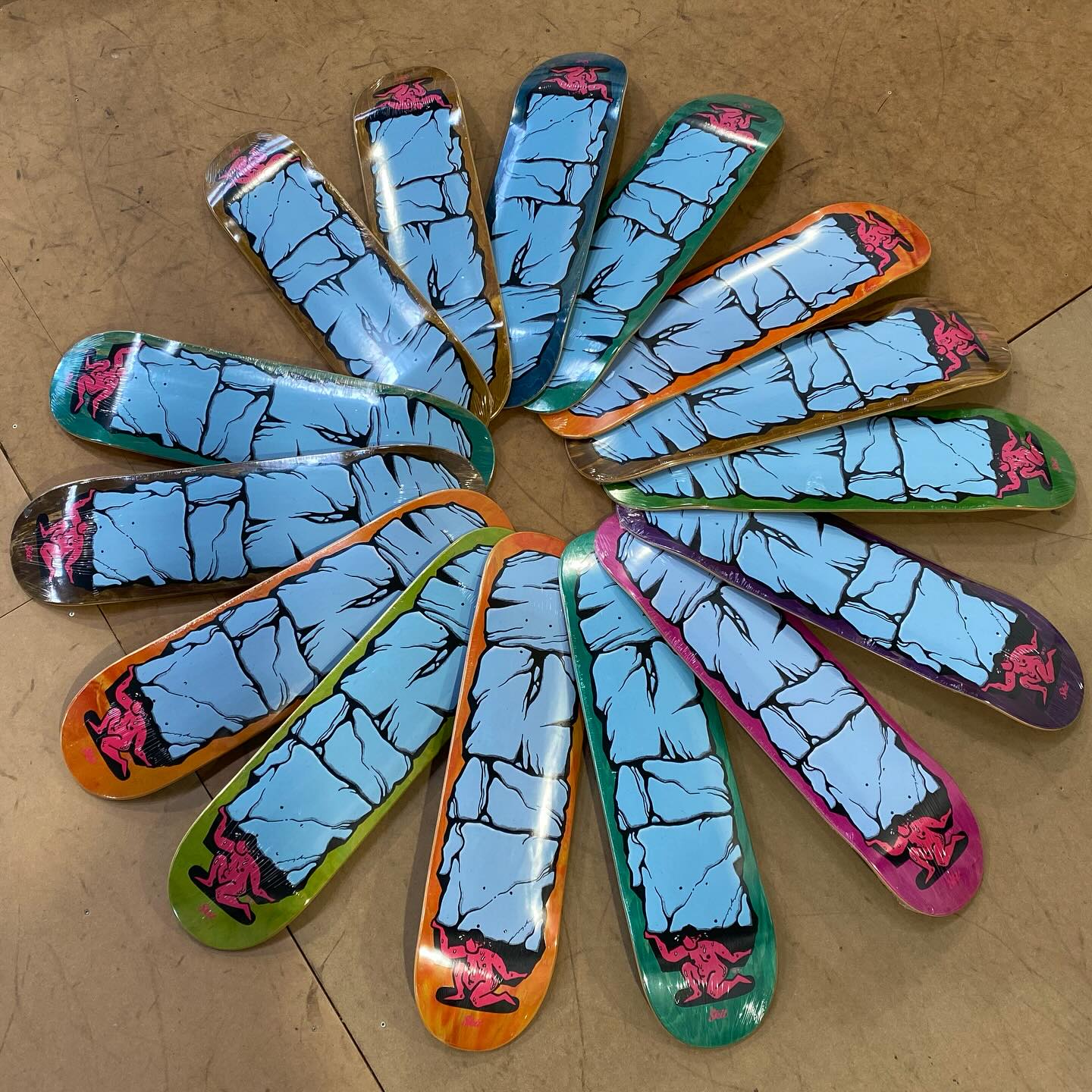
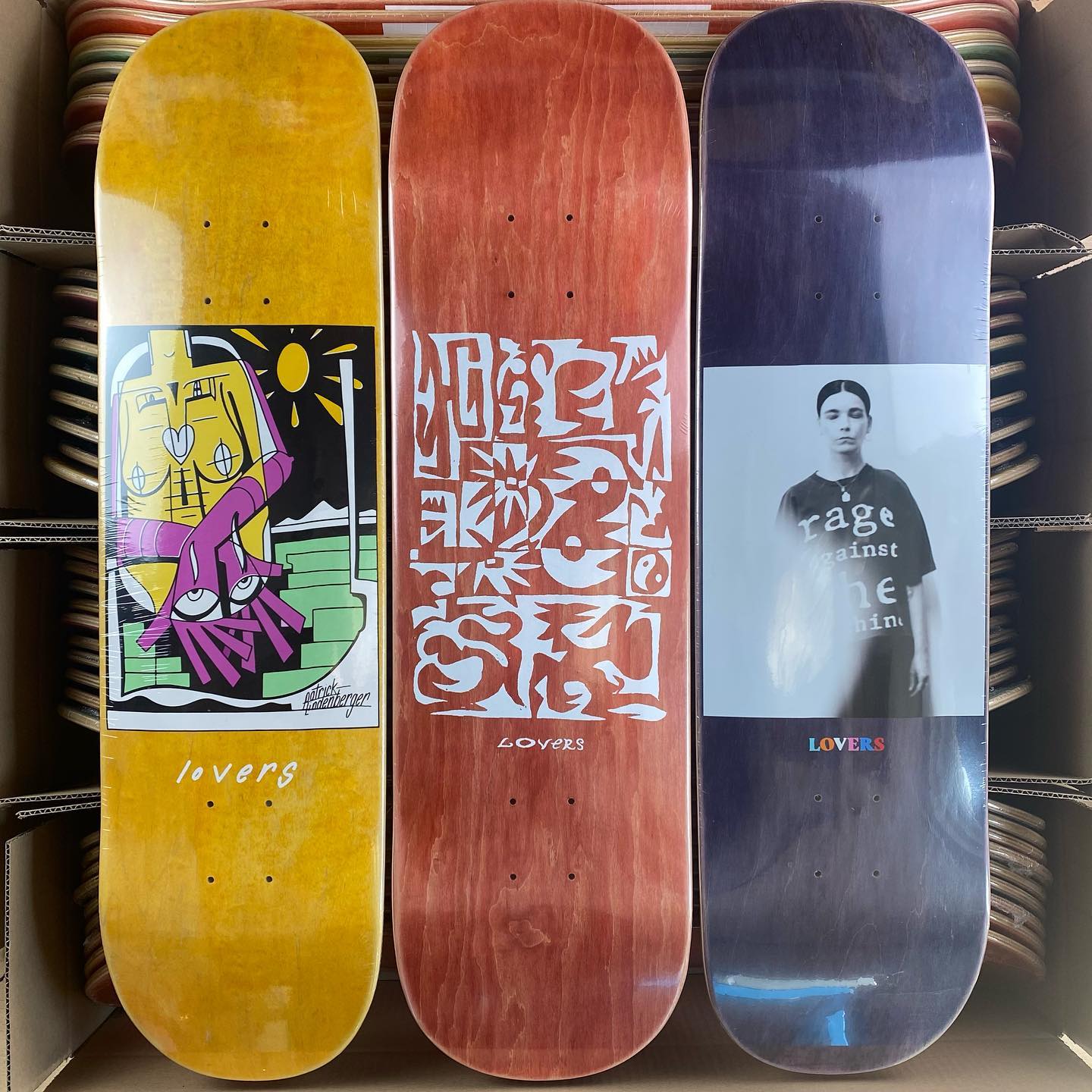
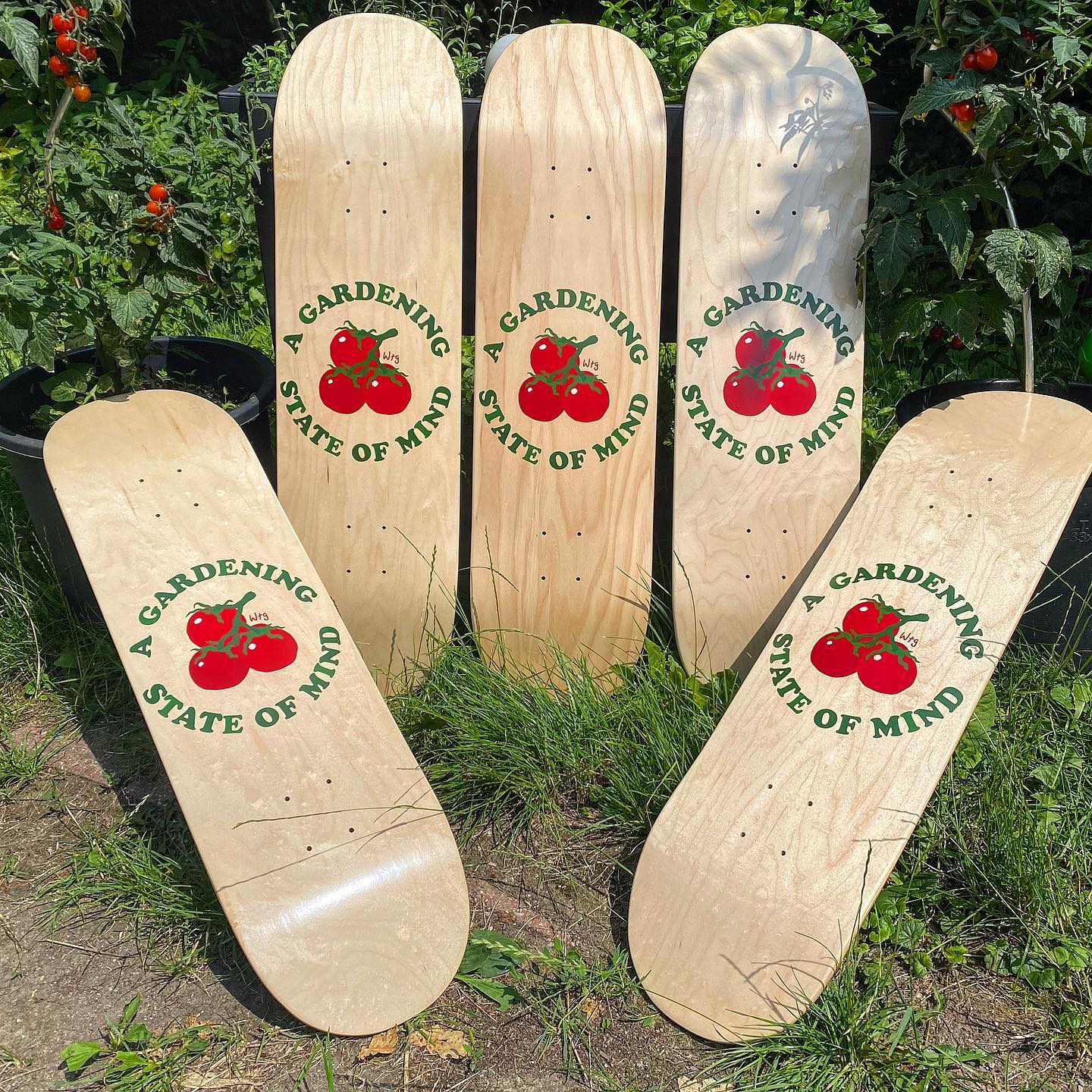
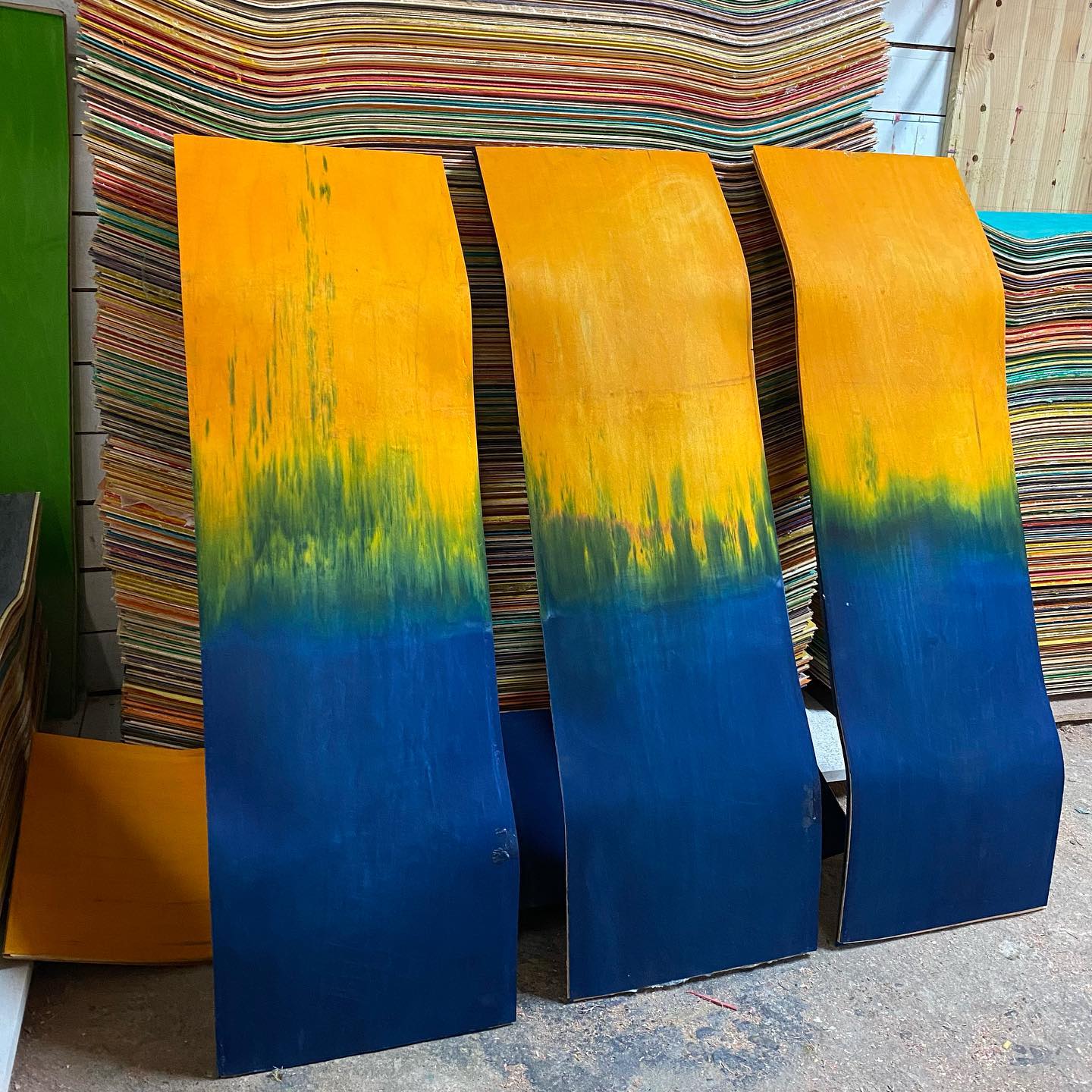
ECO-UV Spot Print
The graphic is placed precisely on the bottom, while the natural wood grain (or a color-stained veneer) stays visible in the background.
This gives the deck a premium, organic look with a clear focus on the graphic.
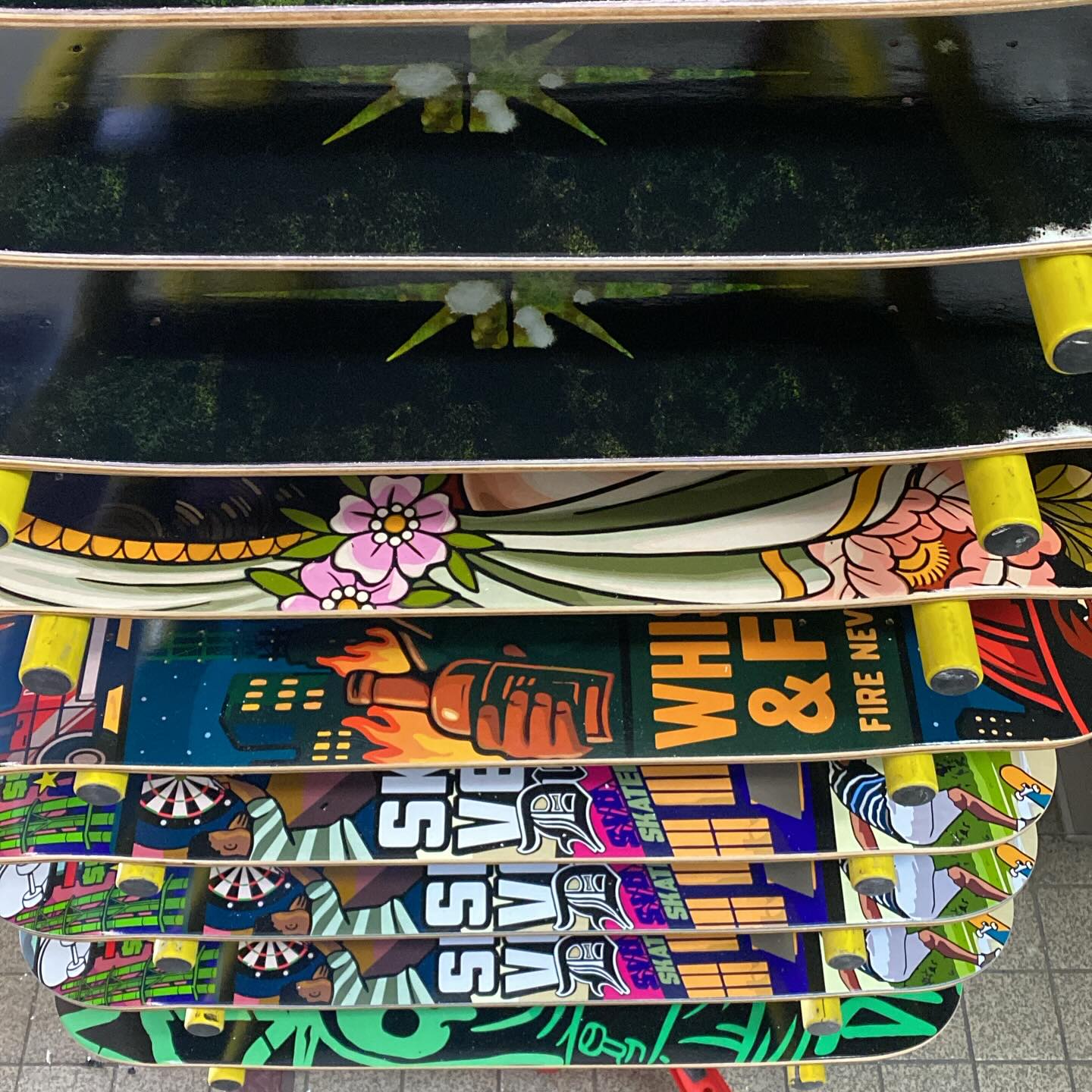
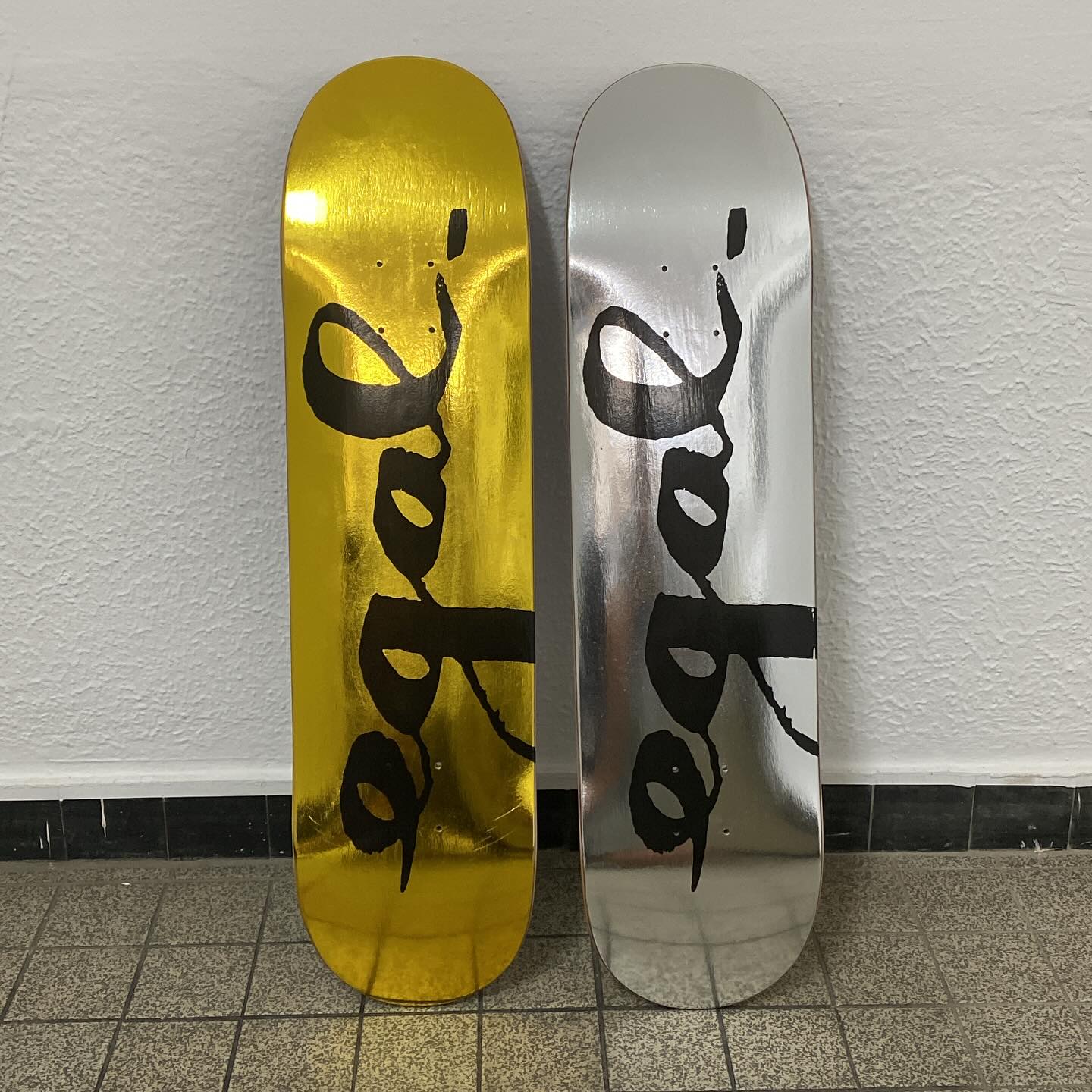
Foil (Specialty & Heat-Transfer Foil)
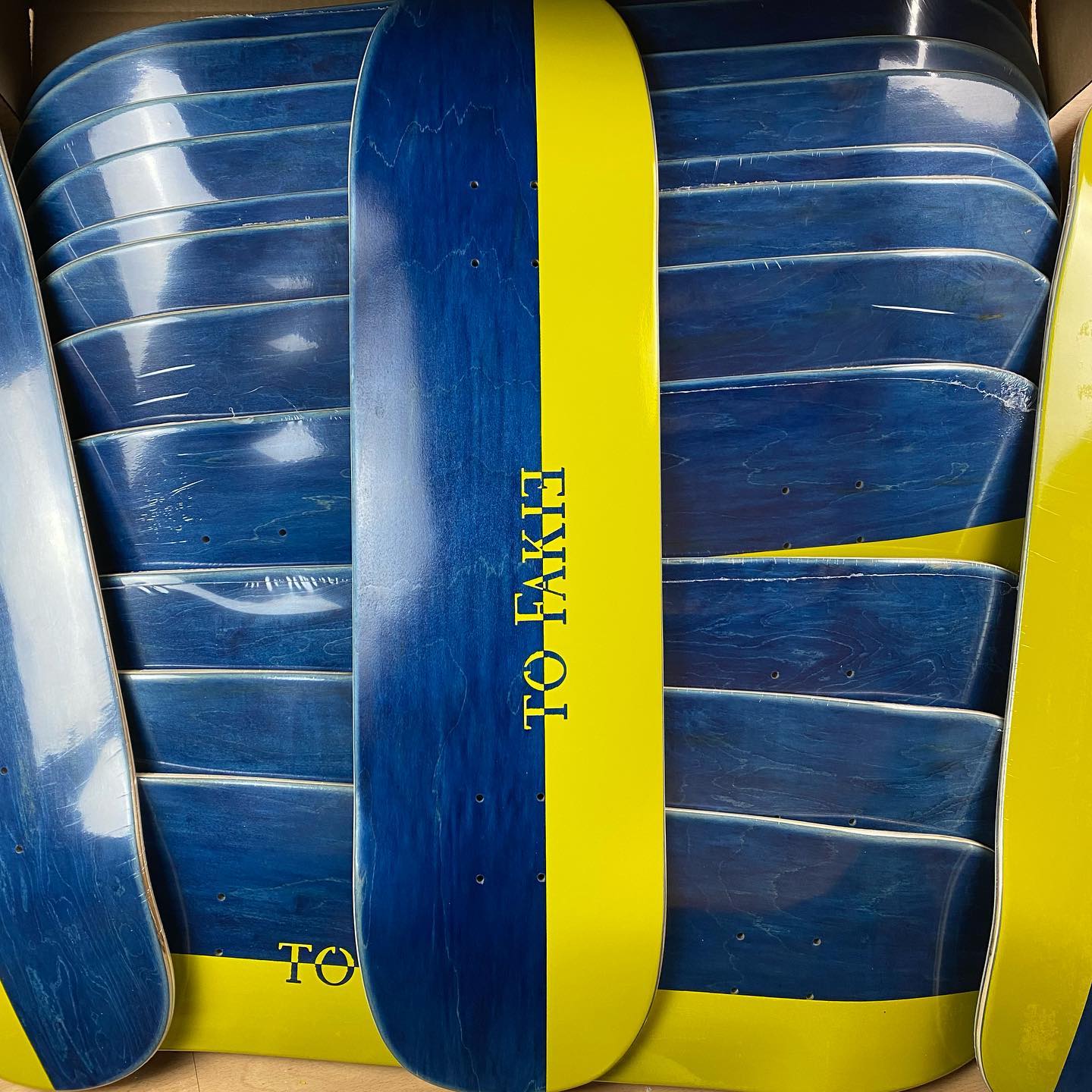
Foils make special finishes possible, such as metallic, holographic or gloss effects, as well as extra abrasion-resistant surfaces for specific applications.
Which file formats can I submit?
Preferred: PDF, AI (Adobe Illustrator) or EPS. Acceptable with limitations: high-res TIFFs. PNG files are only accepted if the raster data has sufficient resolution and has been approved in advance.
What resolution do raster graphics and images need?
Graphic files must have at least 300 dpi at actual final size. Note: images that have been upscaled after the fact or heavily compressed won’t improve print quality and will print blurry.
What do I need to watch out for with fonts and linked files?
Fonts: convert all text to outlines/vectors or embed fonts fully to avoid unwanted font substitution. Linked images: embed external graphics directly in the file or supply them in full as separate files.
Which color mode is required for printing?
All print files must be set up in CMYK or in the assigned/agreed color profile (no RGB).
How much bleed do I need to add?
Background elements must extend at least 3 mm beyond the actual cut line of the deck to avoid ugly white edges after cutting.
What safe zone applies to important design elements?
Logos, text and key design elements must not sit right on the contour, edges or truck holes. Keep enough distance from routing and mounting areas.
How should graphics be aligned and centered?
Centering: by default, align graphics to the center line of the deck. If a graphic is meant to be placed off-center on purpose, this must be clearly noted in the file or the order. Nose & tail: clearly mark which side faces the nose (front) and which faces the tail (back), especially for asymmetric graphics.